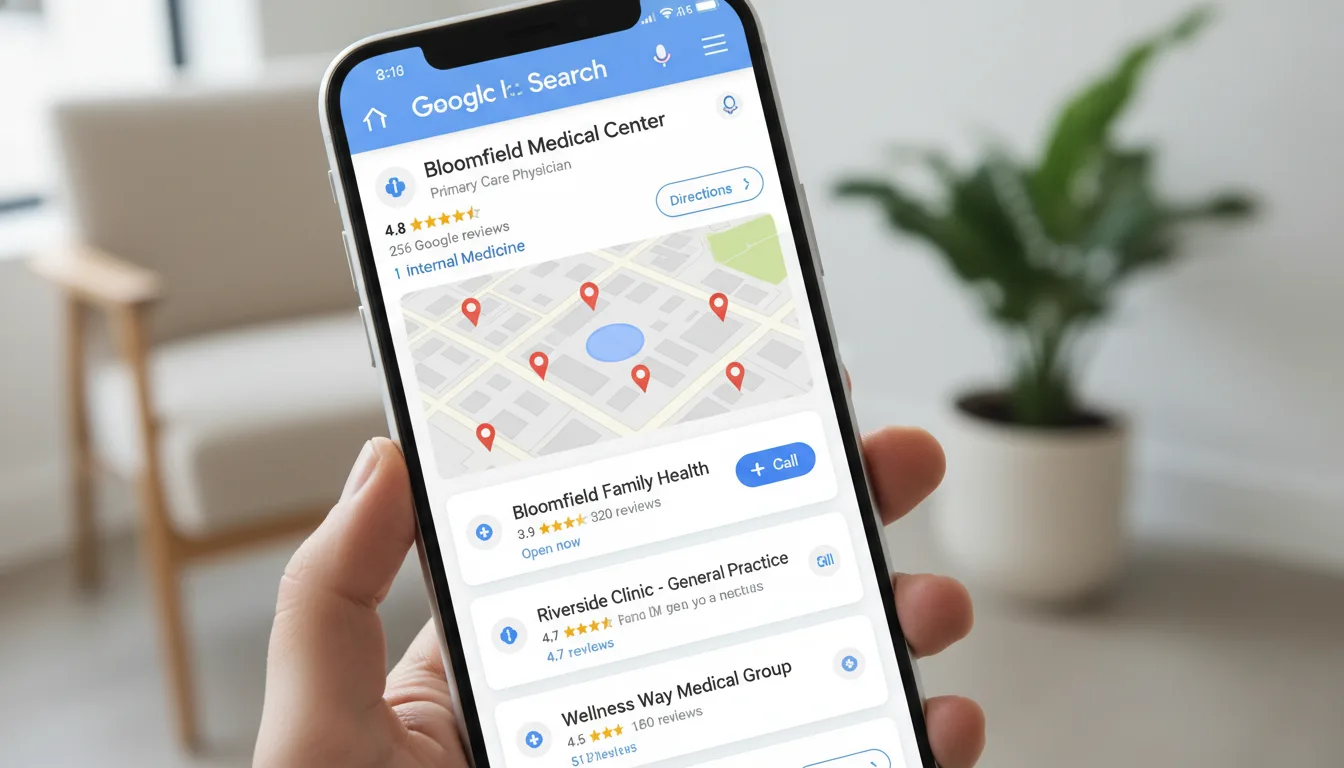
Your Google Business Profile is often the first thing prospective patients see when they search for a healthcare provider. It appears before your website, before your social media, and before any paid ads in many searches. Yet the majority of healthcare practices treat their GBP as a set-it-and-forget-it listing rather than the powerful patient acquisition tool it actually is.
A fully optimized Google Business Profile can drive 30-50% of a healthcare practice’s total new patient inquiries. Here is how to make yours work harder.
Why GBP Matters for Healthcare Practices
When someone searches “dentist near me” or “chiropractor [city name],” Google displays a Map Pack - three local businesses with their ratings, hours, and contact information - before any organic results. Appearing in this Map Pack means your practice is visible at the exact moment a potential patient is looking for your services.
The three primary factors Google uses to determine Map Pack rankings are:
- Relevance - How well your profile matches the search query
- Distance - How close your practice is to the searcher
- Prominence - How well-known and trusted your practice is (reviews, citations, links)
You cannot control distance, but you can significantly influence relevance and prominence through optimization.
Category Selection: Get This Right First
Your primary category is the single most impactful ranking factor within your control. Google offers hundreds of healthcare categories, and choosing the right one matters enormously.
Primary Category Guidelines by Specialty
- Dentists: “Dentist” (not “Dental Clinic” or “Cosmetic Dentist” unless that is your sole focus)
- Chiropractors: “Chiropractor”
- Optometrists: “Optometrist” (or “Eye Care Center” for multi-provider practices)
- Med Spas: “Medical Spa”
- Dermatologists: “Dermatologist”
- Physical Therapists: “Physical Therapy Clinic”
- Podiatrists: “Podiatrist”
- Nutritionists: “Nutritionist” or “Dietitian”
Secondary Categories
Add every secondary category that accurately describes your services. A chiropractor who also offers massage therapy and acupuncture should add those as secondary categories. A dental practice offering orthodontics should add “Orthodontist” as a secondary category. More relevant categories means more search queries where your profile can appear.
Complete Every Section Thoroughly
Google rewards profile completeness. Practices with complete profiles are 70% more likely to attract location visits and 50% more likely to lead to a purchase, according to Google’s own research.
Business Description
You have 750 characters. Use them all. Include your primary services, specialties, the areas you serve, and what differentiates your practice. Write naturally but include keywords your patients would actually search for. For example:
“Downtown Family Dental provides comprehensive dental care including cleanings, fillings, crowns, implants, Invisalign, and emergency dentistry for patients of all ages in the Portland metro area. Our practice combines modern technology with a patient-first approach, and we offer same-day appointments for dental emergencies.”
Services Section
Add every service you offer with individual descriptions. Google uses this structured data to match your profile to specific searches. A patient searching “dental implants [city]” is more likely to see your profile if you have “Dental Implants” listed as a specific service with a description.
Attributes
Select every applicable attribute. These include accessibility features, amenities, payment methods, health and safety protocols, and identity attributes. Attributes appear directly on your profile and can influence a patient’s decision to contact you.
Photos and Videos: More Than You Think
Profiles with more than 100 photos receive 520% more calls than the average business listing. For healthcare practices specifically, photos serve a critical trust-building function - patients want to see the facility, the team, and the environment before they walk in.
What to Post
- Exterior photos: Help patients find you and show Google your physical location
- Interior photos: Treatment rooms, waiting area, reception desk
- Team photos: Doctors, hygienists, assistants, front desk staff
- Equipment photos: Modern technology builds confidence
- Before-and-after photos: Extremely powerful for dentists, med spas, and dermatologists (with patient consent)
- Short videos: Facility tours, doctor introductions, treatment explanations
Posting Frequency
Add 2-3 new photos per week. This signals to Google that your profile is active and current. Assign one team member to take photos during the week and batch-upload them.
Reviews: The Growth Engine
Reviews directly impact your Map Pack ranking and dramatically influence patient decisions. A practice with 200 reviews and a 4.8 rating will almost always outperform a competitor with 30 reviews and a 5.0 rating.
Building a Review System
The practices that accumulate reviews fastest are the ones that build asking into their workflow:
- Train your team. Front desk staff should ask for a review after every positive interaction. Provide a specific script: “We are glad you had a great experience. Would you mind sharing that on Google? It really helps other patients find us.”
- Automate follow-ups. Send a text or email with a direct review link 1-2 hours after each appointment. Keep the message short and include a one-tap link.
- Make it visible. Display QR codes at checkout that link directly to your Google review page.
- Respond to every review. Thank positive reviewers specifically. Address negative reviews professionally and offer to resolve issues offline. Google has confirmed that review responses are a ranking factor.
Handling Negative Reviews
Never ignore negative reviews. A thoughtful, professional response often impresses prospective patients more than the negative review discourages them. Address the concern, take responsibility where appropriate, and invite the patient to contact you directly. Never disclose protected health information in a public response.
Google Business Profile Posts
GBP posts are an underutilized feature that keeps your profile fresh and gives you additional visibility in search results.
Post Types That Work for Healthcare
- What’s New posts: Announce new services, new team members, technology additions, or office updates
- Offer posts: Promote new patient specials, seasonal offers, or limited-time promotions
- Event posts: Open houses, community health screenings, webinars
- Update posts: Holiday hours, schedule changes, health tips
Post at least once per week. Posts expire after seven days for offers and events, so consistency matters. Include a call-to-action button (Book, Call, Learn More) on every post.
Q&A Section: Control the Narrative
The Q&A section on your GBP is public - anyone can ask and anyone can answer. If you do not monitor this section, random people may answer questions about your practice incorrectly.
Proactive Strategy
Seed your Q&A section with common questions and provide authoritative answers from your business account:
- Do you accept [insurance name]?
- What are your hours?
- Do you offer emergency appointments?
- How do I book an appointment?
- What should I bring to my first visit?
This pre-empts real questions and ensures accurate information is visible.
Tracking Performance
Google provides built-in analytics for your Business Profile. Monitor these metrics monthly:
- Search queries: What terms people used to find your profile
- Profile views: How many times your profile was seen in search and maps
- Actions: Calls, direction requests, website clicks, and bookings
- Photo views: How your photos perform compared to similar businesses
These metrics tell you whether your optimization efforts are working and where to focus next. Understanding your GBP performance is a foundational element of any local SEO strategy.
Common Mistakes to Avoid
Keyword Stuffing Your Business Name
Adding keywords to your business name (e.g., “Smith Dental - Best Dentist in Austin TX”) violates Google’s guidelines and can result in your profile being suspended. Use your real business name only.
Ignoring Duplicate Listings
Duplicate GBP listings confuse Google and split your review equity. Search for your practice name and address on Google Maps to identify and merge any duplicates.
Inconsistent NAP Information
Your Name, Address, and Phone number must be identical across your GBP, website, and all directory listings. Even small inconsistencies (Suite 100 vs Ste 100) can hurt local rankings.
The Compound Effect
GBP optimization is not a one-time project. The practices that dominate their local Map Pack are the ones that consistently add photos, generate reviews, post updates, and monitor their performance. Each of these activities compounds over time, building a profile that Google trusts and patients choose.
ClinicPromoter helps healthcare practices across every specialty - from dentists to chiropractors to med spas - build and maintain Google Business Profiles that generate real patient growth.
Ready to grow your practice? Book a free strategy session or call (888) 616-4494.